
Last updated: October 23, 2026
Quick answer: for Gimbal vs Tripod: Which One Should You Use for Video?, a tripod is the better default for static shots, interviews, tutorials, and any scene where the frame should stay locked; a handheld gimbal is the better pick for moving shots, walk-and-talk footage, and travel clips that need floating motion. If the subject hardly moves, choose the tripod. If the shot itself needs to move, choose the gimbal.
Key Takeaways
- A tripod is the steadier choice when the frame must stay fixed.
- A tripod fits shots that need consistency, not camera motion.
- A handheld gimbal suits creators who need intentional movement.
I write about video gear and production workflows, so I care less about marketing labels than about what actually solves a shooting problem. This comparison is about the gimbal vs tripod decision in real use: movement shots, static shots, travel filming, and the way a creator actually works on set. For anyone choosing between a tripod and a gimbal, the question is practical: what does the shot need?
The real difference between a gimbal and a tripod
A tripod wins on stability because it removes the operator from the shot. A handheld gimbal wins on motion because it smooths the operator’s movement while letting the frame travel. That is the whole decision in one line.
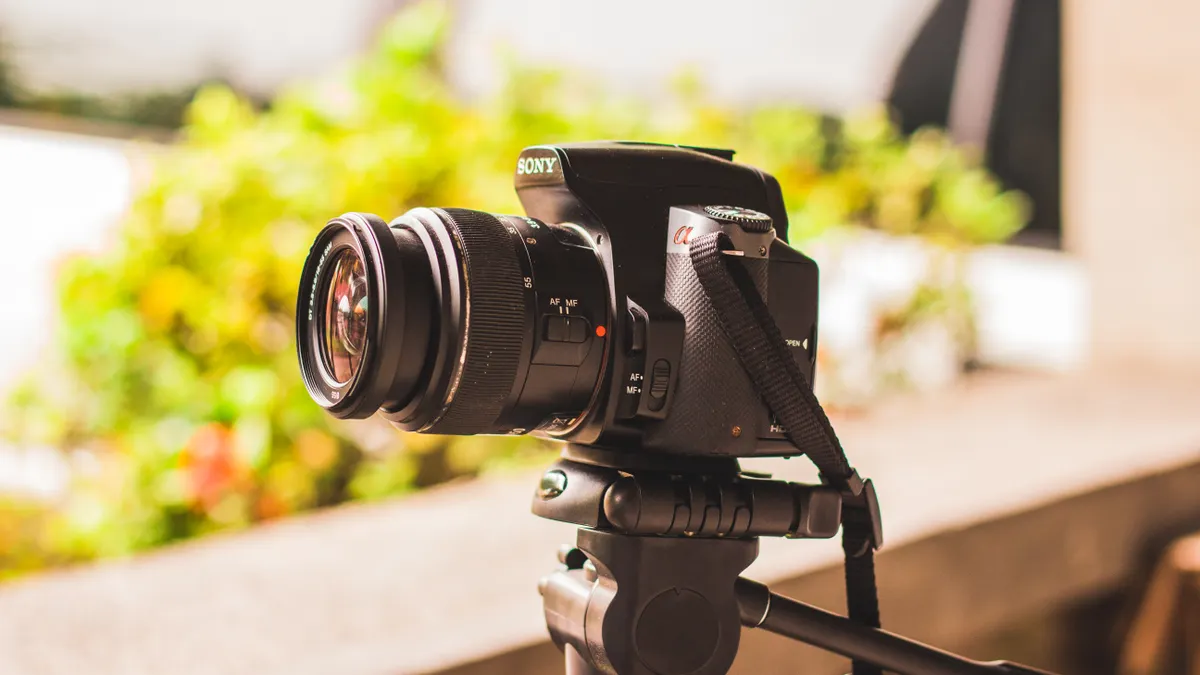
A tripod is a three-legged support. It holds the weight of the setup and keeps the composition fixed. It is the right tool for a locked-off frame, a slow pan, a product demo, a talking-head segment, or any situation where you want repeatable framing. Most tripods also let you raise or lower the working height and adjust the head for tilt and pan, but the subject stays in the same place unless you touch it. For a static setup, the support does one job well.
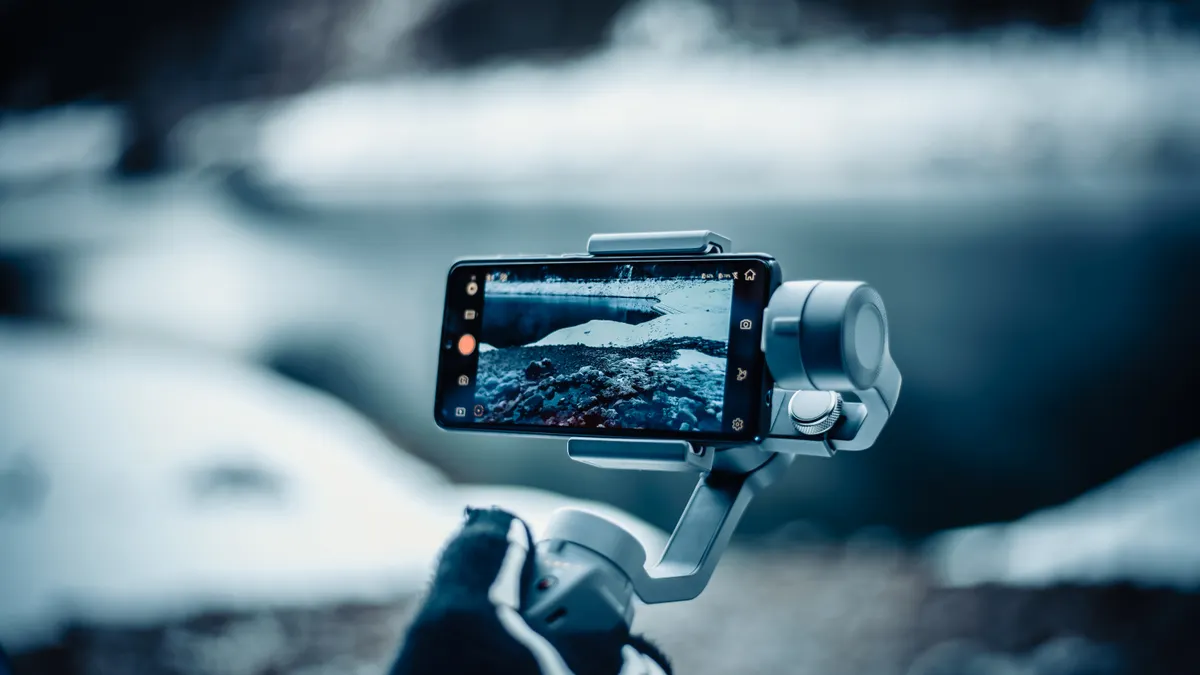
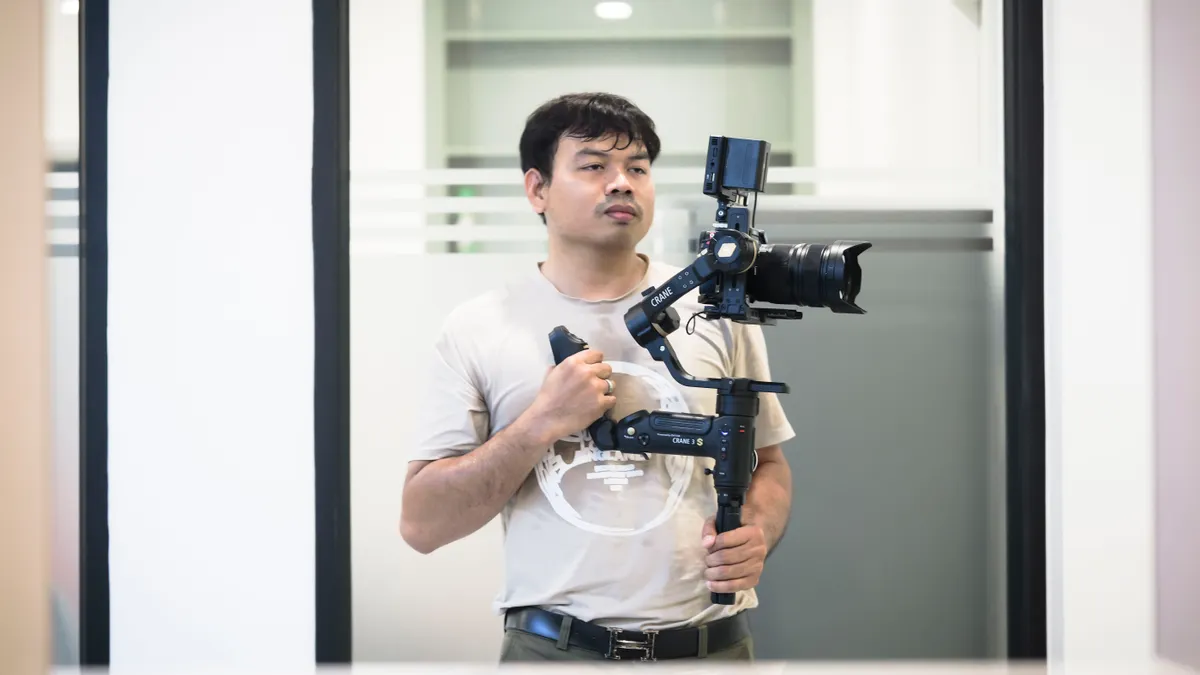
A handheld gimbal is a powered camera stabilizer with motors that counter your movement. It is built for walking, following a person, orbiting a subject, or gliding through a space. The maker might rate it for a certain payload, but the important thing for this decision is not the number on the box — it is the fact that the shot stays in motion while the horizon stays calmer than it would with bare hands. A gimbal is about movement, not parking the frame.
For a reader choosing one tool, the real difference is this: a tripod controls composition; a gimbal controls motion. That is why the two are not substitutes in many workflows. A tripod can mimic some gimbal functions with a fluid head and careful operating, but it cannot create the floating, body-led movement that a gimbal gives. A gimbal can fake a locked shot if you stand perfectly still, but it is still a moving rig that must be balanced, powered, and carried. In practice, the two tools solve different problems.
If the shoot is a sit-down interview, tripod. If the shot is a follow shot in a hallway, gimbal. If the scene needs both, the better answer is often both, not one or the other. That split is common in creator workflows.
Gimbal vs tripod: the honest head-to-head
A tripod wins every time the frame must stay still. A gimbal wins every time the frame must travel smoothly with the subject. Here is the decision in plain language.
| Criteria | Handheld gimbal | Tripod | Winner for [condition] |
|---|---|---|---|
| Static framing | Can hold a mostly still frame, but that is not its best use | Locks composition with no drift | Tripod for interviews, tutorials, product shots |
| Walking shots | Smooths operator movement and reduces bobbing | Not designed for movement shots | Gimbal for walk-and-talk footage |
| Setup speed | Slower because balance and power matter | Faster for a basic set-and-shoot setup | Tripod when speed matters more than motion |
| Travel filming | Easier to capture motion in crowds and tight spaces, but adds weight and battery management | Easier to carry in some cases, especially a compact travel tripod | Gimbal for moving B-roll, tripod for scenic stills |
| Repeatable framing | Harder to return to the exact same composition after repositioning | Easy to reframe and return later | Tripod for multi-take consistency |
| Low-light stills/video | Movement is the issue, not exposure; the rig does not solve camera shake from long holds | Stable support helps hold the frame steady | Tripod for slow shutter or long takes |
| One-person creator workflow | Good for run-and-gun movement, but adds another thing to manage | Better when the creator needs to be in front of the lens and step back into frame | Tripod for solo talking-head content |
| Active subject tracking | Useful if you are physically following the action | Poor fit unless the action stays near one spot | Gimbal for events and moving subjects |
| Packing and power | Needs charging and usually more care in transport | No battery for the support itself | Tripod for minimal gear load |
The table hides one important point: a tripod’s weakness is not only that it does not move. Its weakness is that it can make every shot feel fixed unless the operator knows how to pan, tilt, or add motion in post. A gimbal’s weakness is not only battery dependence; it is that the shooter can become obsessed with movement and lose the discipline of composition. The tool changes the style of the work, not just the steadiness of the image. For many shoots, that tradeoff is the real decision.
Who should use a tripod?
A tripod wins for anyone whose shot is built around consistency, not motion. That means interview shooters, educators, product reviewers, real-estate creators, livestreamers, and solo creators who need the frame to stay where they put it.
The strongest case for a tripod is a static shot that has to look clean for 30 seconds, 3 minutes, or longer. A talking-head segment is the obvious example. A tripod keeps the subject centered, preserves eyeline, and lets you re-record a line without rebuilding the composition. It is also the safer choice when the shot depends on exact alignment: a desk setup, a screen recording with a face-cam, a top-down tabletop scene, or a composition that has to match across multiple takes.
A tripod also wins when you need to be in the frame yourself. A creator can set the composition, step in, and trust that the shot will still match the previous take. That matters in workflows where the same angle has to be repeated all day. A gimbal can do this too, but it is unnecessary complexity if the shot does not move. For solo creators, that simplicity can save time.
The drawback is that a tripod can create lazy shooting. It encourages one angle and one distance. If the scene needs energy — someone crossing frame, a doorway reveal, a moving product demo, a street scene — a tripod can flatten the footage unless the operator deliberately uses pan or tilt. A cheap light stand pretending to be a tripod is worse; it wobbles under a heavier setup and gives the whole rig less confidence than a proper support with a real head. For a more detailed setup guide, see tripod buying guides.
Who should skip the tripod-first approach? Anyone making run-and-gun travel footage, sports clips, event coverage, or cinematic movement shots. A tripod is also the wrong priority if the whole point of the video is motion through space. In that case, the support is a barrier, not a benefit.
Who should use a handheld gimbal?
A handheld gimbal wins for creators who need the shot to move with intention. That includes travel filmmakers, wedding shooters, event coverage, property walkthroughs, action-adjacent coverage, and social-first creators who want moving B-roll with a controlled horizon.
The reason is simple: a gimbal lets the person behind the lens walk, pivot, rise, or circle while the footage stays smoother than raw handheld work. That makes it valuable for movement shots where the background matters as much as the subject. A hallway reveal, a follow-behind clip, a slow push-in through a doorway, or a tracking shot down a market street all become easier to execute because the support is helping correct the body’s normal bounce. Many creators also pair that movement with a camera stabilization workflow when they want consistent results.
A gimbal also helps when the creator wants a lightweight “camera operator replacement” for small teams. One person can carry the rig, move through a location, and get shots that feel more deliberate than a shaky handheld take. For travel filming, that can matter more than having the lightest possible bag. A compact gimbal can be a better choice than a heavier support system if the main goal is motion B-roll. For shot planning, the video production workflow guide is a useful next stop.
The cost is workflow friction. A gimbal has to be balanced correctly for the setup, powered, and managed through a battery-based device. It also adds a layer between the operator and the shot. That is useful until it becomes distracting. If the creator only needs a few still clips, the gimbal slows everything down. If the creator is rushing between locations, carrying a powered stabilizer plus a support may feel like dead weight. Battery management matters here, and the battery life tips guide can help on longer days.
Who should not buy a gimbal as the main support? Studio shooters, interview creators, tutorial makers, and anyone who mostly wants a fixed frame. A gimbal can stand in for a tripod only in a loose sense. It is not the smarter tool when the job is to keep the image still and the workflow simple.
The creator workflow difference most articles miss
The tripod wins on repeatability, and that usually matters more than people expect. That is the part generic comparisons miss.
A tripod is faster across a full production day when the same angle is used again and again. Set the height once, mark the floor, and the frame can come back to the same position after an interruption. For a solo creator making a 10-minute tutorial with inserts, this saves more time than a gimbal ever will. It also reduces battery anxiety because the support itself does not need power. A tripod can be a 1-minute setup that pays off for 3 minutes or 30 minutes of shooting.
A gimbal changes the workflow in the opposite direction. It rewards a shot list full of motion ideas, not a fixed script. That is excellent for B-roll planning, travel diaries, and moving reveals. It is less ideal when the creator needs to pause, step away, change a lens, or reset in a quiet room. The rig is simply less forgiving. Even on models that are easier to tune, the operator still has to think about balance, motor behavior, and whether the movement matches the scene. For that reason, the best support often depends on how the shoot is designed.
This is why many working creators treat the two as different departments, and a professional can help you decide which category fits a specific project. A tripod handles the main setup shot. A gimbal handles the cutaway shots, transitions, and motion inserts. That division keeps each tool in its lane and avoids forcing a gimbal to do a tripod’s job or a tripod to do a gimbal’s job. For many sets, that split is the cleanest option.
If the workflow is primarily YouTube talking-head, online teaching, or product demos, the tripod is the better investment. If the workflow is mostly travel, events, or dynamic visual storytelling, the gimbal earns its place. If the workflow is mixed, the better question is not “which one is better?” but “which one do I need on the shot that matters most?” For gear research, the video gear guide can help narrow the list.
For broader shopping context, the hub on gimbal buying guides can help once the decision is made.
When should you pick one over the other?
Choose a tripod when the shot must stay still, the creator needs to repeat the same framing, or the setup has to stay simple for a long stretch. Choose a gimbal when the footage needs motion, the operator is walking with the subject, or the scene lives on movement through space.
A tripod also wins if the job includes long pauses between takes, a one-person talking setup, or a scene where the composition matters more than movement. A gimbal wins if the shot is a reveal, follow shot, side-by-side walk, or moving travel clip. The deciding factor is not the gear price or the size of the rig. It is the kind of shot. For many creators, the answer changes from scene to scene.
The cleanest rule is this: static story, tripod; moving story, gimbal. That rule holds up across most creator workflows, from a desk tutorial to a street sequence. It is a simple way to decide quickly.
Exception scenarios where the answer flips
A tripod is not always the better “stable” choice, and a gimbal is not always the better “mobile” choice. A few cases flip the normal verdict.
First, if the scene is moving but the operator must stay in a fixed place — for example, a performer crossing a stage or an interview in a crowded event — a tripod with a fluid head can be better than a gimbal because the frame can pan to follow action without the operator carrying a powered rig. For that kind of use, a tripod is still the cleaner support.
Second, if travel footage is mostly scenic stills, architecture, or landscape shots, a compact tripod can beat a gimbal. The support is lighter to use for static framing, and it does not consume battery just to exist. That matters on longer travel days.
Third, if the creator shoots mostly vertical short-form clips with quick setup changes, a tripod can be faster and less fussy. The cleaner workflow often matters more than the idea of motion. Vertical delivery does not automatically require a gimbal.
Fourth, if the camera kit is already heavy and the crew is moving all day, a gimbal may be the wrong call simply because it adds another point of fatigue. At that point, the right answer may be a monopod, a tripod, or even handheld shooting with stabilization in mind instead of a gimbal. Fatigue is a real workflow cost.
These exceptions do not erase the main rule. They just show that the best support depends on the shot design, not the gear category. The right support is the one that matches the shot, the pace, and the crew.
The verdict: which one should you use?
Choose a tripod if you shoot interviews, tutorials, product videos, livestreams, or any scene that needs a locked frame and repeatable composition. Choose a handheld gimbal if you shoot walking footage, travel B-roll, event coverage, or moving scenes where the camera has to travel with the subject. Neither if your work is split evenly and you can only buy one tool but still expect it to solve every shooting situation. If you need both kinds of shots, buy for the shot you use most.
Can a gimbal replace a tripod?
No, not for most creator work. A gimbal can hold a steady-looking frame, but it is still a moving stabilizer, not a true support for locked-off shots. It is a poor substitute for interviews, tutorials, desk setups, and any scene that needs the exact same framing across multiple takes. A tripod is still the cleaner choice for static video. For more context, see the camera support guide.
When should you use a tripod instead of a gimbal?
Use a tripod instead of a gimbal whenever the shot does not need motion. That includes talking-head videos, product demos, screen-based teaching, livestreams, and any setup where the frame should stay fixed for 30 seconds or more. A tripod also makes sense when battery life, speed, and repeatable framing matter more than smooth camera movement.
Drafted with AI; not yet reviewed by a person.