
Last updated: October 22, 2026
Quick Answer: For most buyers, the right gimbal is the one that matches the device you already shoot with, and the best choice is usually the smallest model that still gives honest payload headroom. In this Gimbal buying guides — The Complete Guide article, the practical decision comes down to payload, battery life, and whether you need folding portability or heavier stabilization.
In short: buy a gimbal for the device you actually shoot with, then choose based on payload, battery life, and whether you need folding portability or heavier stabilization. The wrong gimbal is usually the one that looks “more capable” on paper but cannot balance your phone, mirrorless body, or lens without fighting you. In Gimbal buying guides — The Complete Guide, that is the core rule readers should keep in mind.
A gimbal is a motorized stabilizer, not a magic cure for shaky footage. If you are unsure how much stabilization you need, consult a professional or check the manufacturer’s guidance before buying. It can smooth walking shots, keep horizons level, and make panning feel controlled, but it cannot fix bad framing, poor balance, or a setup that exceeds the gimbal’s rated payload. If you are choosing one for a phone, a compact mirrorless camera, or a heavier hybrid rig, the right answer changes fast. According to DJI’s Osmo Mobile and RS product guidance, payload and balance limits are central to performance, and the same is true across the category.
I write about camera support gear, rigs, and stabilization systems, so the core trade-offs here are the same ones that matter in real shooting: load capacity, axis clearance, run time, and how annoying the setup becomes once you attach a cage, lens, mic, or phone clamp. In Gimbal buying guides — The Complete Guide, those trade-offs matter more than marketing language.
Key takeaways
- Match the gimbal to the device first; everything else is secondary.
- Payload headroom matters more than marketing claims.
- Foldability helps travel shooters, but it can add setup steps.
- Battery life, app quality, and balancing range are not side notes; they decide whether you keep using the gimbal.
- A bigger gimbal is not automatically better if your rig is light or your shooting style is fast-moving.
- The best choice for one-handed phone work is often different from the best choice for a mirrorless camera with a long lens.
What a gimbal actually does for your footage
A gimbal reduces unwanted rotation around three axes: pan, tilt, and roll. That is why it can turn a normal walking shot into something that looks much calmer, especially when you move at a steady pace. The three-axis design is the standard buyers should care about; two-axis models and handheld grips solve different problems and will not produce the same result. DJI’s glossary and product pages describe this three-axis approach, and the terminology is consistent across most reputable brands.
The biggest misconception is that a gimbal makes any shot smooth. It does not. If the operator stops abruptly, twists the handle, or overloads the motor, the footage still looks unstable. A gimbal also cannot hide micro-jitter from a heavy zoom lens swinging on a loose mount, or rolling-shutter wobble from a camera sensor that reacts badly to fast motion. In practice, stabilization is only one part of image quality, and manufacturers such as Zhiyun and DJI both note that balance and load matter.
This is why the right purchase starts with the shooting pattern, not the brand. A phone creator who films face-to-camera clips and quick b-roll can live with a compact foldable unit. A wedding shooter or event filmmaker carrying a mirrorless body, a 24–70mm lens, and a microphone mount needs more payload margin and more clearance. Those are not minor details; they determine whether the motors stay quiet and whether the arm geometry even leaves room for the lens. A 24–70mm lens can change the balance point enough to matter, which is why spec sheets include payload ranges.
A good buying guide also has to say what a gimbal is not for. If the main goal is reducing walking shake on a tripod shot, a monopod or tripod head may be a better buy. If the goal is pure follow focus control or fast documentary shooting, a gimbal can be too slow to set up compared with a simple shoulder rig. The right tool depends on whether you want smooth motion, controlled framing, or both. B&H’s support articles and camera accessory guides make the same distinction between stabilization and support.
Phone gimbals: who they suit, and who should skip them
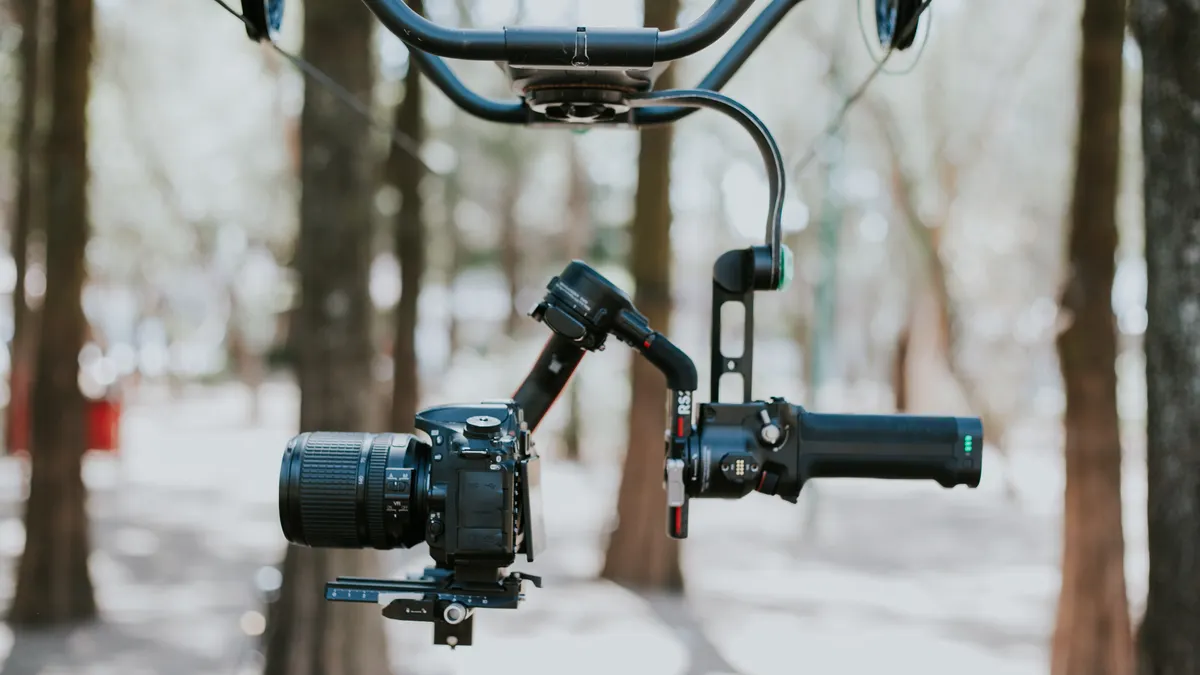
Phone gimbals are the right choice for creators who shoot most of their video on a smartphone and want quick stabilization without carrying a larger rig. They make the most sense for travel clips, social video, walk-and-talks, live events, and lightweight B-roll. Most modern phone gimbals fold down into a compact shape, which is a real advantage if the kit lives in a small bag. Models in this class commonly target phones in the 200 g to 300 g range, depending on clamp and arm design.
The appeal is simple: a phone gimbal is lighter, faster to deploy, and usually easier to balance than a camera gimbal. Many models add a selfie stick-style extension, subject tracking, and app-based motion modes. Those features are useful when filming alone, especially for solo creators who need the camera to follow them while they move. Some units also include built-in fill lights or a tripod foot, which turns one item into a small mobile production kit. DJI, Insta360, and Zhiyun all market this feature set in their phone-gimbal lines.
The weakness is also simple. Phone gimbals are limited by clamp width, motor strength, and battery life. A phone in a thick case, with a lens accessory attached, may no longer fit cleanly. Some models also rely heavily on companion apps for tracking and panorama modes, which means the experience can feel cramped if the app is buggy or the phone OS update breaks a feature. That is not a theoretical problem; app dependency is one of the most common owner complaints across this category. Consumer Reports-style buying guidance and review coverage often point to software support as a deciding factor.
Phone gimbals are wrong for people who already shoot nearly everything on a dedicated camera. They are also the wrong buy if your phone footage needs to stay fully native, fast, and uncluttered. A casual user who only wants a little stabilization for vacation clips may be better served by the phone’s own software stabilization and a small tripod. Paying for a gimbal only makes sense if you need smooth motion often enough that setup time feels justified.
When comparing models, look for a payload figure that comfortably exceeds your phone’s weight with its case attached, and check that the folded dimensions fit the bag you actually carry. If the product page does not clearly state whether a larger phone with a lens attachment fits, that omission matters. The best phone gimbal is usually the one that still balances cleanly after real-world accessories are installed. DJI’s specifications pages and review testing from outlets such as The Verge make the same point about accessory fit.
Camera gimbals: the better choice for mirrorless and hybrid rigs
Camera gimbals win for mirrorless shooters, hybrid content creators, and anyone using interchangeable lenses because they are built around real payload limits, not just the mass of a bare body. Once a camera enters the conversation, balance range, arm clearance, and motor strength become more important than fold size. A gimbal that looks compact can become useless if your lens hits the roll arm before the rig is balanced. A mirrorless body plus a lens can move the balance point enough that the rating alone is not enough.
This is the category where specifications matter most. A mirrorless setup with a small prime is one thing; a body plus a front-heavy zoom is another. The maker’s rated payload, the available camera mounting range, and the room around the tilt arm all shape whether the rig is practical. If the gimbal listing does not mention clearance for larger lens barrels, that is a red flag. It may still work, but the burden shifts to the buyer to confirm compatibility. DJI and Zhiyun both publish compatibility notes for some camera bodies and lenses.
Camera gimbals also tend to reward more careful users. They are usually better for wedding coverage, interview B-roll, music videos, and narrative shooting where controlled movement matters. Some models include underslung mode, briefcase mode, or vertical orientation for social clips. Those modes are useful, but they do not excuse poor ergonomics. A gimbal can be “feature rich” and still annoy you if battery swaps are awkward or the controls are buried under app menus. Nikon, Canon, and Sony user forums regularly highlight ergonomics as a real-world buying factor.
The main drawback is complexity. A camera gimbal asks for balancing, tuning, and sometimes firmware updates before it behaves well. That is fine for planned shooting, less fine for spontaneous work. If you need to pull a camera out of the bag and shoot within seconds, a gimbal may slow you down. The larger models are also less discreet in public and less comfortable for long one-handed carries.
This option is wrong for people who mostly use a smartphone, for shooters who hate balancing gear, and for anyone who never attaches lenses beyond a tiny fixed prime. It is also a poor fit if your camera body is very light and your lens selection changes constantly; in that case, a smaller gimbal or a simpler support system can be easier to live with. For documentary shooters, the mirrorless setup needs to be genuinely predictable before a gimbal becomes worth the effort.
The honest side-by-side
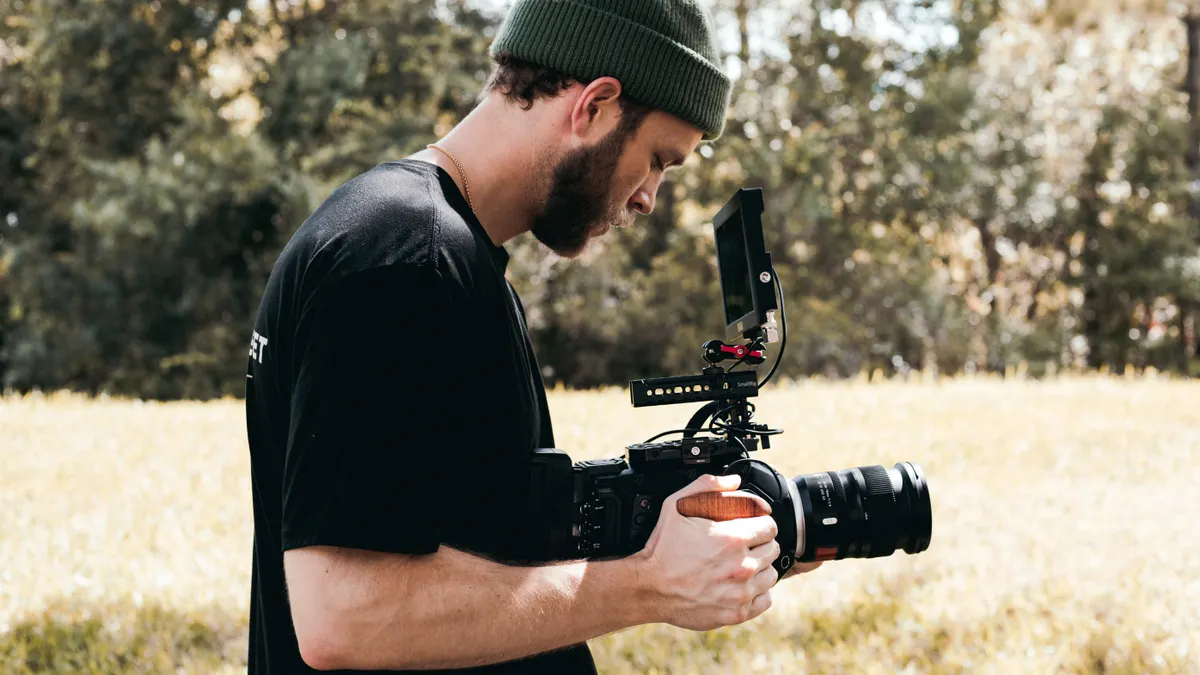
Phone gimbals are better for portability and speed; camera gimbals are better for flexibility and load-bearing. That is the real divide, and it matters more than brand reputation. The right choice depends on what you carry, how often you film, and how much setup friction you will tolerate.
| Criteria | Phone gimbal | Camera gimbal | Winner for [condition] |
|---|---|---|---|
| Primary use | Smartphone video, vlogs, travel clips | Mirrorless, DSLR, hybrid camera rigs | Phone gimbal for phone-only creators |
| Setup speed | Usually faster; fewer parts to mount | Slower; requires balancing and tuning | Phone gimbal for run-and-gun shooting |
| Payload margin | Low to moderate, depending on clamp and motors | Higher; designed for heavier bodies and lenses | Camera gimbal for interchangeable-lens setups |
| Portability | Often folds smaller and fits casual bags | Bigger and bulkier, especially with handles | Phone gimbal for travel lightness |
| Accessory compatibility | Can be tight with cases, lenses, and bulky mounts | Better for microphones, cages, and longer lenses | Camera gimbal for rigged setups |
| App dependence | Often central to tracking and smart modes | Sometimes helpful, but less essential | Camera gimbal for users who dislike app dependence |
| Vertical shooting | Usually easy and common | Possible, but may take more reconfiguration | Phone gimbal for social-first creators |
| Learning curve | Lower for basic use | Higher because balance matters more | Phone gimbal for beginners |
| Best long-form value | Strong if the phone is the main camera | Stronger if the camera body stays in rotation for years | Camera gimbal for dedicated video shooters |
| Risk of buyer regret | Higher if you later move to a larger rig | Higher if you only shoot casually on a phone | The one that matches your current device |
The table points to the same conclusion from another angle: the device type decides the category. A phone gimbal is not a watered-down camera gimbal. A camera gimbal is not “too much” for a phone creator; it is simply the wrong tool. The purchase that holds up is the one that matches the weight, shape, and pace of the gear you already own. In Gimbal buying guides — The Complete Guide, that is the most reliable rule.
How do I choose the right gimbal size?
Choose the smallest gimbal that still gives you honest payload headroom, because oversizing adds weight, balance time, and fatigue. The useful question is not “how powerful is it?” but “how much more can it handle than my current setup?”
For a phone rig, that means checking whether the clamp fits a bare phone plus case, and whether the axis arms leave room for any add-on grip or lens attachment. For a camera rig, it means comparing the gimbal’s rated payload with the full shooting configuration: body, lens, memory card, battery, cage, microphone mount, and any other mounted accessory. A body-only number can be misleading. A camera that weighs little on paper may become awkward once a longer zoom is installed.
One practical rule helps here: do not buy right at the edge of the rating. A gimbal at the top of its range may still balance, but the motors will have less headroom to fight sudden movement, and the whole setup becomes more sensitive to tiny changes in lens weight or mounting position. That usually leads to more tuning and less shooting. B&H and manufacturer documentation both stress checking the full setup, not only the camera body.
Size also affects comfort. Larger gimbals can be better for heavier rigs, but they are not fun for all-day handheld use. Short shoots disguise the issue; longer shoots expose it. If you expect to hold the unit for 20 to 30 minutes at a time, the weight of the handle and the angle of the grip matter more than spec-sheet glamour. A 20-minute handheld session is very different from a two-minute clip.
A good shortcut is to ask what you will mount six months from now, not just today. If the answer is “a heavier lens, a small cage, or a mic,” buy with that future setup in mind. If the answer is “probably the same phone,” stay compact. This is where most wrong purchases happen: the buyer picks for the gear they hope to own later, then pays for extra bulk they do not need now.
Battery life, controls, and the features that actually matter
Battery life matters more than exotic shooting modes, because a dead gimbal is useless no matter how many presets it offers. If a product page gives a stated runtime, treat it as a useful ceiling, not a promise. If you are unsure how to interpret the number, consult a professional or compare the claim with the manufacturer’s fine print. Real battery performance depends on load, temperature, and how aggressively the motors are working. A rated figure like “up to 8 hours” is only helpful if your shooting day actually looks like that condition.
Controls deserve equal attention. A gimbal that lets you change modes quickly with clear buttons is far easier to live with than one that hides common functions behind app menus. That matters when you need to switch from follow mode to lock mode during an event or move from horizontal to vertical framing for social clips. The fewer steps between intention and movement, the more usable the tool feels. DJI, Zhiyun, and other manufacturers all emphasize quick access controls for a reason.
Tracking features are useful, but they should not drive the buying decision on their own. Subject tracking can save time for solo creators, yet it also raises the chance that the app becomes part of the workflow. That means compatibility risk, update risk, and a little more setup friction every time the phone or firmware changes. If the listing leans heavily on smart features, check whether the gimbal still works well in plain manual mode. That is the mode you will rely on when the app misbehaves. Review coverage from outlets such as The Verge and DPReview often distinguishes between novelty and daily utility.
Charging method and power options matter too. USB-C support is more convenient than an older proprietary cable, and some buyers care about whether the unit can stay powered while connected to accessories. The exact behavior varies by model, so the important point is not a brand badge; it is whether the product page clearly explains how charging and operation work together. If it does not, assume the buyer will need to do more homework.
In practice, the best feature set is usually boring: enough runtime, obvious controls, quick mode changes, and a companion app that adds value instead of becoming the whole product. Fancy extras are nice. Reliable basics are what keep a gimbal from gathering dust.
Which gimbal features are worth paying for?
Pay for features that reduce setup friction, not features that sound cinematic on a spec sheet. That means prioritizing foldability, axis locks, clear controls, and enough payload headroom before chasing novelty modes.
Foldable arms are worth paying for if you travel often or keep the gimbal in a day bag. They make the kit easier to carry and less awkward to store. The trade-off is that folding mechanisms can introduce extra steps at setup time. If you film fast-moving events, you may prefer a sturdier, simpler frame even if it packs a little larger. In many phone gimbals, foldability is a major part of the appeal.
Vertical shooting support is worth paying for if your output is Instagram Reels, TikTok, or YouTube Shorts. A gimbal that switches cleanly into vertical orientation saves time and reduces awkward bracket work. That said, not every vertical mode is equally practical. Some are fast; others require rebalancing or a different mounting orientation. If the listing is vague, assume the process may be slower than the marketing suggests. That matters when you are trying to reframe for Instagram in a few seconds.
A built-in extension pole can be useful for higher-angle shots and more dynamic movement, especially on phone gimbals. It is less important on camera gimbals, where extra extension can add instability. Wireless control and app-based subject tracking are also useful, but only if you will use them often enough to justify the added dependency.
Do not overpay for features that solve problems you do not have. A solo phone creator may genuinely benefit from tracking and a selfie stick extension. A documentary shooter with a mirrorless camera often needs quiet motors, quick access, and a rig that balances predictably. Those buyers are not shopping for the same extras. In documentary work, predictability is usually more valuable than novelty.
The cleanest way to judge feature value is to ask one question: does this feature save me time on a typical shoot? If the answer is no, it is decoration. If the answer is yes, it might be worth the weight and complexity.
The verdict: which one to choose and why
Choose a phone gimbal if your main camera is a smartphone, you want the smallest possible kit, and you care more about fast setup than maximum load support. Choose a camera gimbal if you shoot with a mirrorless body or DSLR, use interchangeable lenses, or expect the rig to carry a cage or microphone mount. Neither if you only want occasional stabilization for casual clips and would rather use the phone or camera’s own stabilization plus a small tripod.
That is the cleanest decision rule. A phone gimbal wins on convenience and portability. A camera gimbal wins on flexibility and the ability to support a serious rig without immediately running into balance limits. The wrong move is buying a larger category “just in case.” Extra capability is expensive when it adds weight you never need.
For a first-time buyer, the safest path is often the one that matches the device already in your hand. If that is a phone, buy a phone gimbal and keep the rig simple. If it is a mirrorless camera, choose a camera gimbal with enough headroom for your heaviest common lens, not the lightest one in your bag. That keeps the choice tied to actual use, not aspiration.
When the choice flips
There are a few cases where the obvious answer is wrong.
First, if you own both a phone and a camera but only want one stabilization tool, a camera gimbal can be the better long-term buy. It is the more future-proof choice as long as you truly expect to use the camera often enough to justify the extra setup time. A hybrid creator who shoots both stills and video may value that flexibility.
Second, if you shoot almost entirely vertical content and move fast, a phone gimbal can beat a camera gimbal even when you own both devices. The faster vertical workflow matters more than sensor size in that case. That is especially true for short-form social video, where speed matters as much as stabilization.
Third, if you are chasing the lightest possible bag and already accept modest stabilization, skip both and use the built-in stabilization in your device. Many modern phones and cameras do enough for casual shooting, especially when paired with a basic tripod or grip. The lighter solution may be the more practical one.
Fourth, if your camera setup includes a long zoom, a cage, and accessories that push weight close to the gimbal’s upper limit, move up a class rather than hoping the smaller model will cope. A stressed motor and a constantly rebalanced rig are how buyers end up hating a tool they technically “saved money” on. A 24–70mm lens is common enough that many buyers should consider it part of the decision, not an edge case.
What to check before you buy
Check the rated payload, the folded size, the battery runtime, and the exact mounting compatibility before you pay. Those four details decide most of the buying outcome.
Start with payload, because that tells you whether the gimbal can handle your current setup with some margin left over. Then look at the dimensions in folded form if portability matters. Battery runtime matters if you shoot longer sessions or travel without frequent charging. Mounting compatibility matters because a product can look right on paper and still fail in practice if your phone case, lens, or cage interferes with the arms. Camera accessory retailers and maker manuals both treat fit as a first-order issue.
It also helps to compare the product page against the return policy. Gimbals are more sensitive to mismatch than many other accessories, and a bad fit is often only obvious once you mount your actual gear. If a retailer offers a clear return window, that lowers the risk. Since listings can vary by seller, it is worth checking the current terms at more than one place before buying.
For authoritative background on stabilization and camera accessory standards, two useful references are the Consumer Technology Association for product-category terminology and the International Organization for Standardization for broader equipment and interface standards. Those are not shopping guides, but they help anchor the terminology buyers see on product pages. For product-level specs, manufacturer pages from DJI, Zhiyun, and Insta360 are the most direct source.
Drafted with AI; not yet reviewed by a person.