
Last updated: October 27, 2026
Quick answer: calibrate a gimbal in about 2 to 3 minutes by leveling it, running the built-in calibration routine, and then checking motor stiffness and sensor alignment before you shoot. In How to calibrate a gimbal for smoother footage, that process helps fix drift, horizon tilt, and the small jitters that can make footage look nervous even when the rig is balanced.
Key Takeaways
- Calibration resets the gimbal’s level reference, not the rig’s weight balance.
- Fully mount the payload, charge the battery, and allow 2 to 3 minutes on a flat surface.
- Follow the maker’s order: level, then sensors, then motor tuning.
- Level and stiffness matter most for gravity lock and motor control.
What calibration fixes, and what it does not
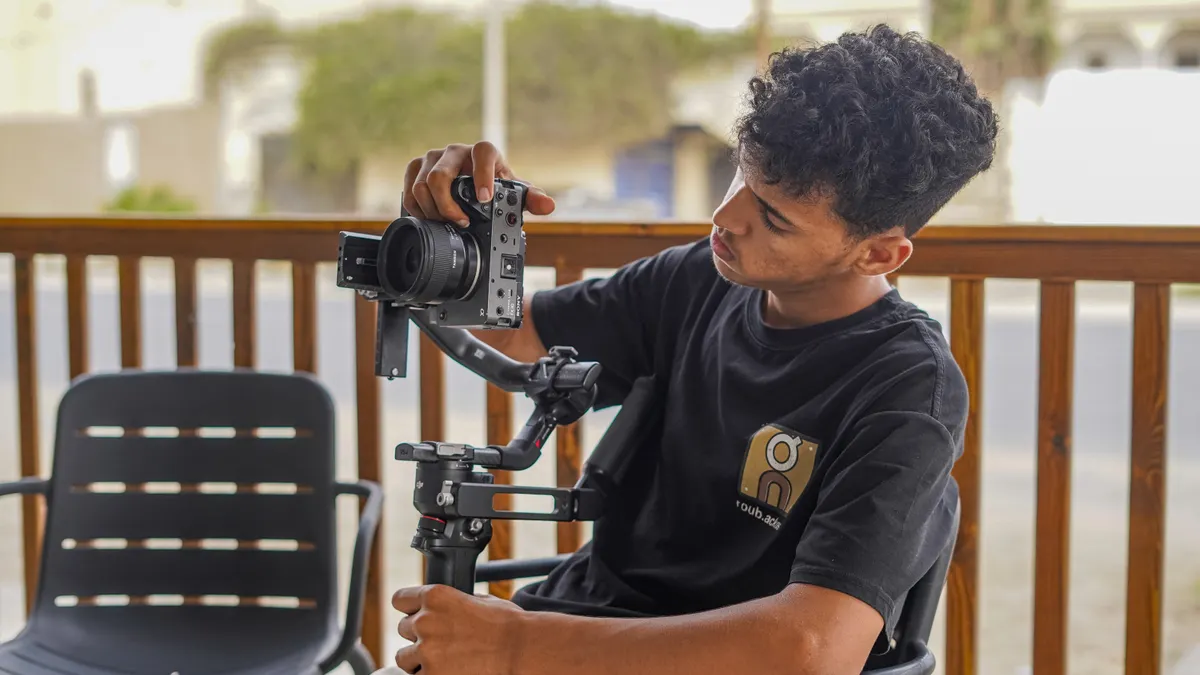
Calibration corrects the gimbal’s idea of “level,” not the physical weight distribution of the rig. If the arm still swings down when you power off, that is a balancing problem; if the horizon leans, the gimbal feels noisy, or the camera drifts after startup, calibration is the next step.
That distinction matters because a lot of people jump straight to the calibration menu on a DJI RS series or a Zhiyun gimbal and expect it to fix a badly balanced setup. It will not. A gimbal can only stabilize well when the payload is already close to neutral and the sensors know where level is. A full calibration takes a few minutes, often under 5, but it only works properly if the rig is already set up correctly.
Use calibration when:
- you changed lenses, cages, microphones, or follow-focus hardware
- the gimbal has been stored in a bag or knocked off level
- the horizon looks slightly tilted after startup
- the motors feel hotter than usual or sound strained
- the app recommends level calibration or sensor setup
Do not use calibration as a substitute for balancing. If the payload is way off, the motors work harder than they should, and the result can be worse footage, not better. I would also avoid changing motor settings first. Fix level and sensor alignment before you touch aggressive tuning.
For a broader setup sequence, the hub on gimbal setup and operation should sit alongside this page, because calibration only makes sense after the rig is physically ready.
What you need first before starting gimbal calibration
You need the camera or payload fully mounted, the battery charged, and enough room to place the gimbal on a flat surface for 2 to 3 minutes. A clean table matters more than people expect. If the body starts tilted, the calibration routine may “learn” the wrong level.
Before you begin, make sure these basics are true:
- the plate is locked in place
- the arm axes are already balanced as closely as possible
- any lens cap, strap, or dangling cable is removed
- the gimbal firmware and companion app are current enough to show the calibration menu
- the gimbal is not sitting on a soft couch, car seat, or sloped desk
A flat surface is not optional. A calibration routine assumes gravity is telling the truth. If the device sits on a surface that is off by even a few degrees, the horizon can come back slightly crooked, especially in roll. That is the kind of error that looks small in the menu but obvious in a pan across a straight roofline.
If the rig uses a phone app, connect it before starting so you can see prompts, live sensor values, or the auto-tune settings. On many DJI RS series models, the calibration menu is easier to navigate from the screen or app than from the physical buttons alone. Zhiyun gimbals often expose similar controls in the companion app, including leveling and motor adjustment.
For a model-specific reference, check the official DJI support pages and the official Zhiyun manuals before you start.
How to calibrate a gimbal step by step
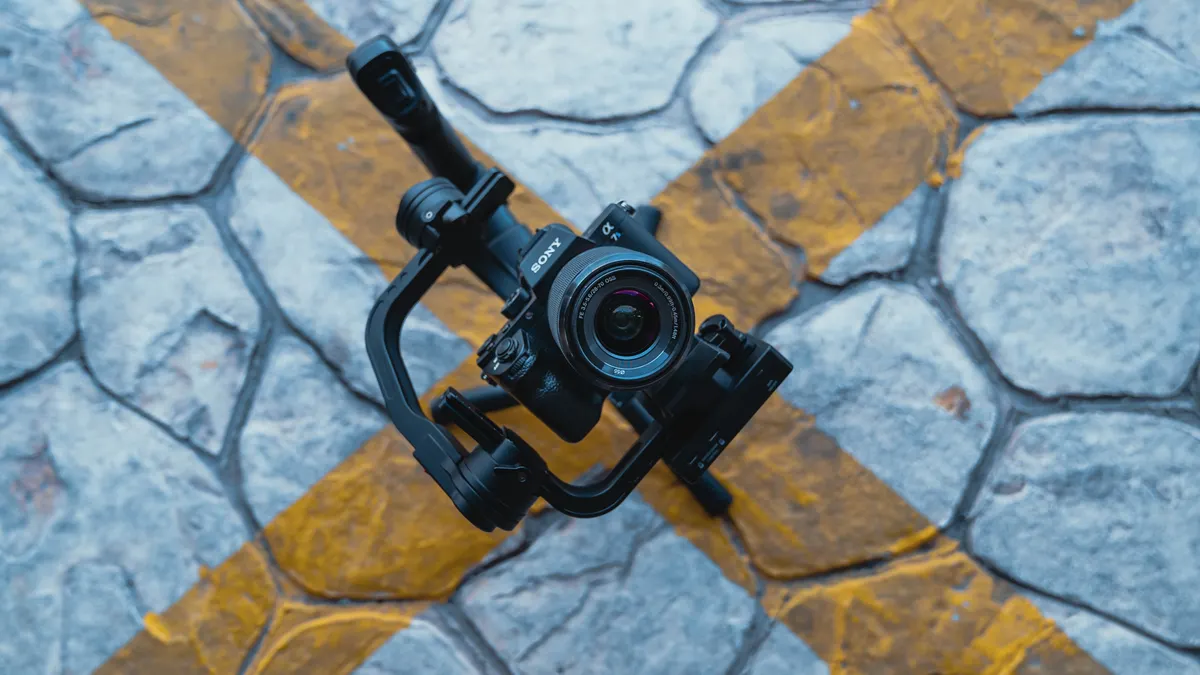
Calibration works best when you follow the menu order the manufacturer expects: level first, sensor calibration second, motor tuning last.
- Power on the gimbal while holding it level on a flat surface. The screen should boot without fighting the frame, and the head should sit still instead of hunting up and down.
- Open the calibration menu on the gimbal or in the app. Look for terms such as level calibration, sensor calibration, or auto-calibration. On many models, this sits beside motor settings rather than inside shooting presets.
- Start the level calibration routine and do not touch the rig for the full sequence. The motors may move through several positions; when it works, the system returns to a stable neutral pose with the horizon sitting visually straight.
- Run compass or sensor setup if your model offers it. This matters more on units that use magnetic or orientation data for home position and heading; when it works, the app stops showing sensor warnings and the stick response feels consistent.
- Run auto-tune settings or motor stiffness adjustment after calibration. Let the gimbal read the mounted payload and set motor strength automatically. When it works, the motors hold the load without buzz, vibration, or heat you can feel through the handle.
- Check the horizon with a straight edge in the frame, such as a doorway, tabletop, or building line. A successful calibration keeps that line level as you tilt and pan slowly through a 10- to 15-second move.
- Do a short motion test at walking pace. The footage should show smooth correction without tiny side-to-side twitches, especially during starts, stops, and direction changes.
If the gimbal asks for separate roll, tilt, or pan calibration, do not skip the one that sounds least important. The system may look fine in the app and still carry a small offset in one axis. That offset is what shows up as a horizon that slowly leans during a slow push-in.
The main sign that the calibration worked is not a dramatic animation on the screen. It is a calm, level start-up and a frame that holds straight lines where they belong.
Which calibration menu settings matter most?
The level calibration and motor stiffness settings matter most, because those two control whether the gimbal trusts gravity and whether the motors can hold the payload without overreacting. If the menu gives you a dozen choices, start there instead of chasing every advanced option.
Level calibration is the first thing I would check on a DJI RS series unit or a Zhiyun gimbal after any change to the camera build. It resets the internal reference for horizon and neutral position. If the gimbal has a dedicated calibration menu, use that instead of relying on a generic reset. A reset clears settings; calibration tells the sensors what “flat” means.
Motor stiffness or auto-tune settings are the next piece. They control how hard the motors push back when the rig moves. Too low, and the frame sags or wobbles. Too high, and the motors buzz, heat up, or transmit a fine tremor into the shot. The sweet spot is the point where the gimbal holds the load firmly but does not sound strained.
Compass or sensor setup matters when the device uses orientation data that has drifted. This is more common on units with app-guided setup than on barebones stabilizers, but the principle is the same: if the sensors are confused, the axis data is confused.
A practical rule: if the frame is level but the motion looks nervous, adjust motor stiffness. If the frame itself is tilted, revisit level calibration. If both are off, start over from a flat surface and repeat the whole sequence in order.
How do you know the gimbal is calibrated correctly?
A gimbal is calibrated correctly when it holds a level horizon, stays quiet under load, and stops drifting after a few seconds of startup.
That sounds simple, but there are a few specific checks worth making. First, power the rig on while it sits still. A good calibration leaves the camera near neutral rather than slowly creeping to one side. Second, point it at a straight line and pan slowly. The line should stay parallel to the top or bottom of the frame, not slide diagonally. Third, make a short 10-second clip while walking. The movement should feel smooth, with fewer correction bumps at start and stop.
I would also listen to the motors. A well-tuned gimbal usually sounds consistent, not strained. If one axis is noticeably louder than the others, the tune may be off or the payload may still be too heavy for that axis. On some models, especially when auto-tune settings are too aggressive, you may hear a faint high-frequency buzz. That is a sign to lower stiffness a little rather than forcing the motors harder.
A useful visual check is a doorway, tile line, window frame, or horizon with a clear straight edge. Those reveal small calibration errors better than a busy background. If the shot looks fine in a park but crooked against a building, the calibration is still imperfect.
This is also where people confuse smoothness with floatiness. Smooth footage does not mean the gimbal should erase every movement. It should remove jitter and keep orientation stable while still letting the move feel intentional.
For a broader check on calibration behavior, the official DJI support documentation and the Zhiyun manuals are the best references.
Common calibration mistakes that make footage worse
The biggest mistake is calibrating a rig that was never balanced closely enough first. That costs you in motor noise, battery life, and inconsistent movement. The fix is boring but necessary: adjust the payload on the arm before going back into the calibration menu.
Another common error is starting calibration on a sloped desk, bed, car seat, or tripod head that is not level. That can leave the system learning a false horizon. The result is obvious the moment you frame a building or sea line. Use a truly flat surface, not a surface that merely looks flat.
A third mistake is changing too many things at once. If you adjust lens weight, motor stiffness, and sensor setup in one pass, you will not know which change helped. Make one change, then do a short 5-minute check clip. That is slower, but it saves time later.
A fourth mistake is ignoring cable drag. A short HDMI or USB-C cable can pull on the tilt axis just enough to make calibration appear to fail. If the move looks clean in one direction and sticky in the other, route the cable with slack and retest.
The last mistake is treating every gimbal the same. DJI RS series menus and Zhiyun gimbals can label the same function differently. “Level calibration,” “calibration menu,” and “auto-tune settings” may appear in different places, but the job is still the same: teach the device where neutral is and how hard to hold it.
When to repeat calibration and when to leave it alone
Repeat calibration after any real change to the rig, not before every shoot. A lens swap, cage change, filter stack, added microphone, or firmware update can shift the setup enough to justify another pass. If the gimbal rides in a case for weeks, I would also check it before a job.
You do not need to recalibrate just because the footage style changes. A fast walk, slow push, or low-angle move should not require a new setup if the rig itself has not changed. If the gimbal is already level and the motion is clean, leave it alone. More calibration is not automatically better.
A good habit is to keep a mental baseline for one payload. If that setup works, note the motor stiffness feel, the time it takes to boot and settle, and whether the horizon stays locked on a 15-second move. When those signs change, calibration is worth revisiting.
This is also where I would be cautious about overcorrecting. If the gimbal starts to buzz after a minor accessory change, do not immediately chase every menu item. Check the build first, then run level calibration, then auto-tune. In that order, the process stays predictable.
The pages that belong with this one are the setup guides that show the full path from mounting to movement. This page is the calibration step inside that larger process, not a replacement for it.
Source-backed guidance for menus and sensor terms
The manufacturer manuals are the right place to confirm the exact menu names on your model. DJI’s support documentation for the RS series explains setup and calibration behavior for its stabilizers, and Zhiyun’s user manuals cover leveling, motor tuning, and app-guided adjustment for its gimbals. Those are the sources to check when the on-screen labels do not match the words in a tutorial.
That matters because the same function may appear under different names on different models. One unit may call it level calibration, another sensor calibration, and another auto-tune. The underlying task stays the same, but the menu path changes. A page like this can show the sequence; the manual for your exact model gives the button path.
If the gimbal is behaving strangely after a firmware update, the model-specific manual is the first reference to open. Calibration menus can move, and app versions sometimes rename controls without changing the hardware. That is annoying, but it is normal across DJI RS series and Zhiyun gimbals.
For a broader reference on setup order, the hub on gimbal setup and operation is the better next stop than a troubleshooting page. Calibration belongs in the setup chain first.
How often should I calibrate a gimbal?
Calibrate it when the rig changes, not on a fixed daily schedule. A new lens, cage, battery grip, or mount usually matters more than the calendar. If the horizon stays level and the motors sound normal, there is no benefit to recalibrating before every shoot.
What happens if gimbal calibration is wrong?
The horizon can tilt, drift, or wobble, and the motors may work harder than they should. You may also get a frame that looks fine at rest but shifts during motion. If calibration is off, the footage often fails in slow pans and shots with straight lines in view.
Drafted with AI; not yet reviewed by a person.